Screenshots
Screenshots of the Dynamic API Platform admin panel — dashboard, endpoints, schemas, automation, and settings.
Screenshots of Dynamic API Platform v1.5.13 running at http://localhost:8080 (captured June 2026).
The admin header shows a Live badge (auto-refresh on Dashboard/System, статические данные on other pages). See Live UI.
The admin panel supports four themes — Dark, Light, Ocean, and Forest — switch via the palette button in the header. See UI Themes.
Login
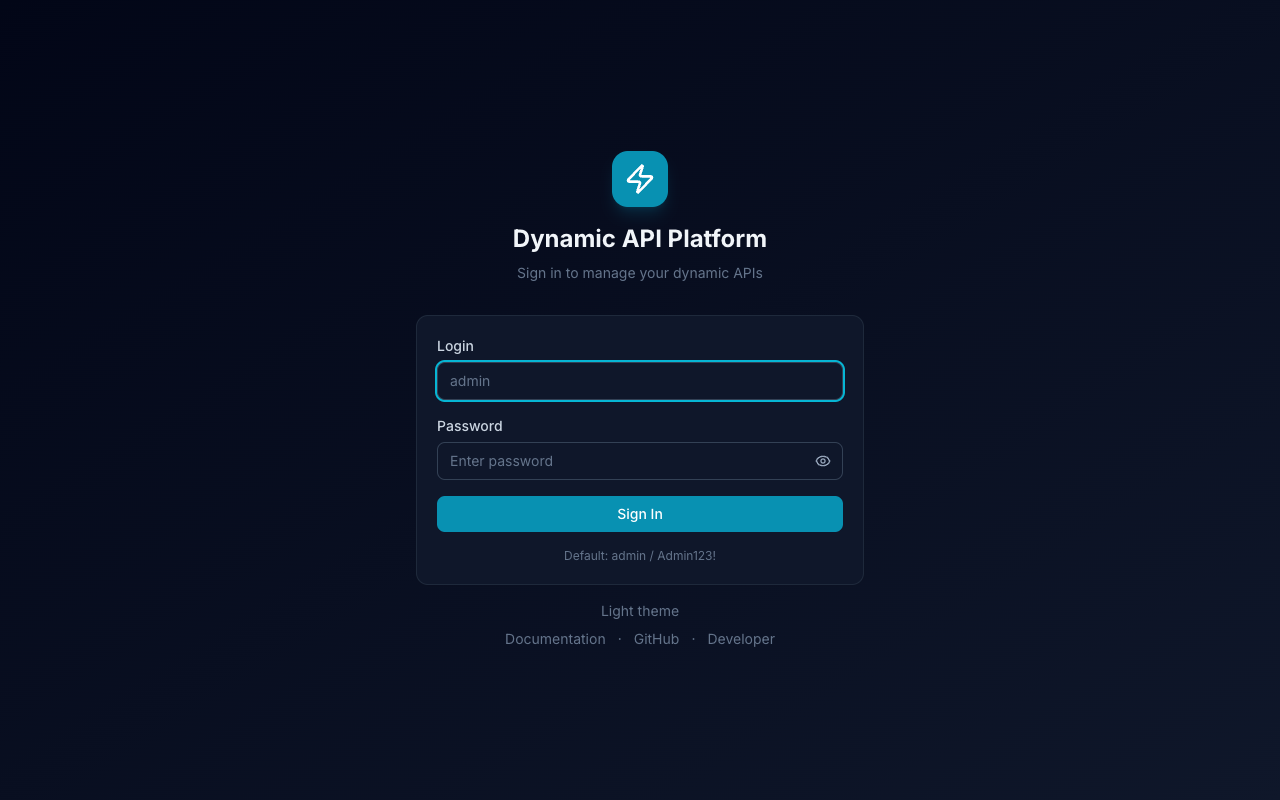
URL: /login · Default: admin / Admin123!
Dashboard
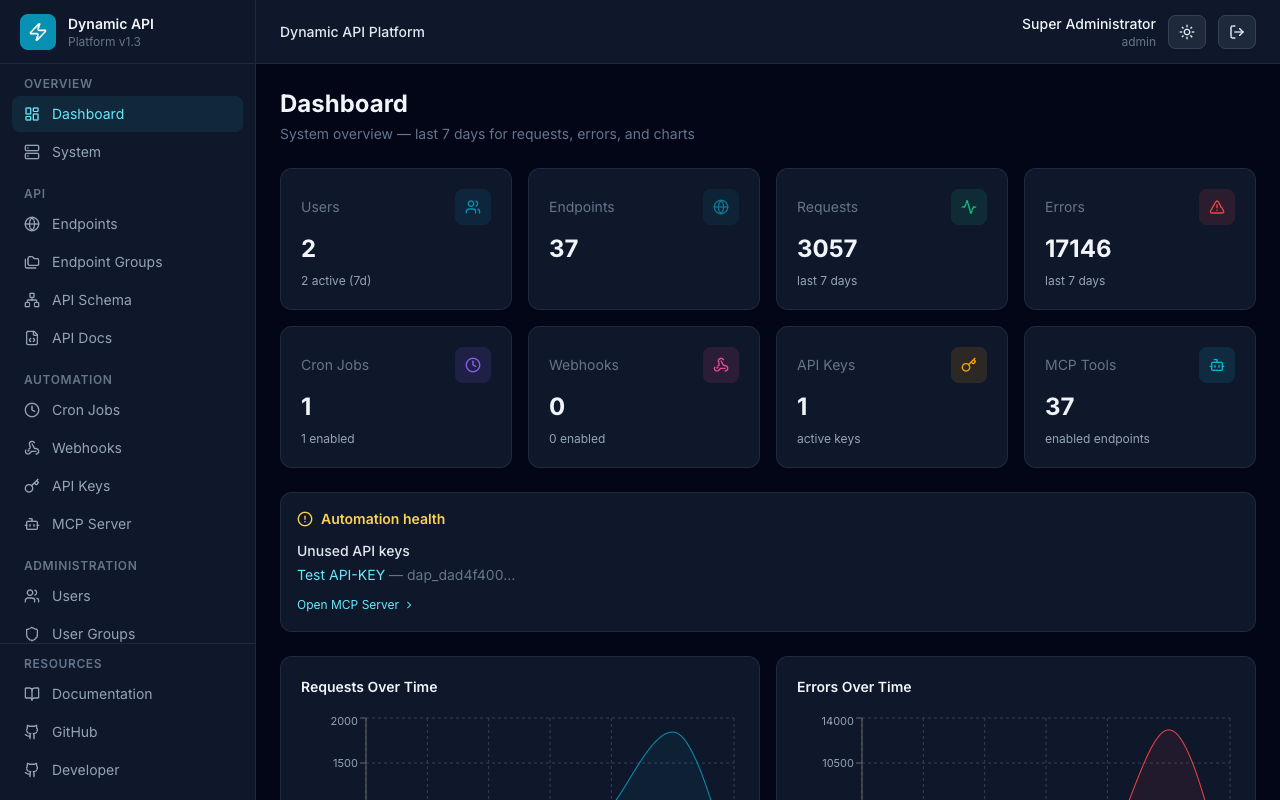
URL: / — KPI cards (users, endpoints, requests, errors, cron, webhooks, API keys, MCP tools), automation health, request/error charts
Endpoints
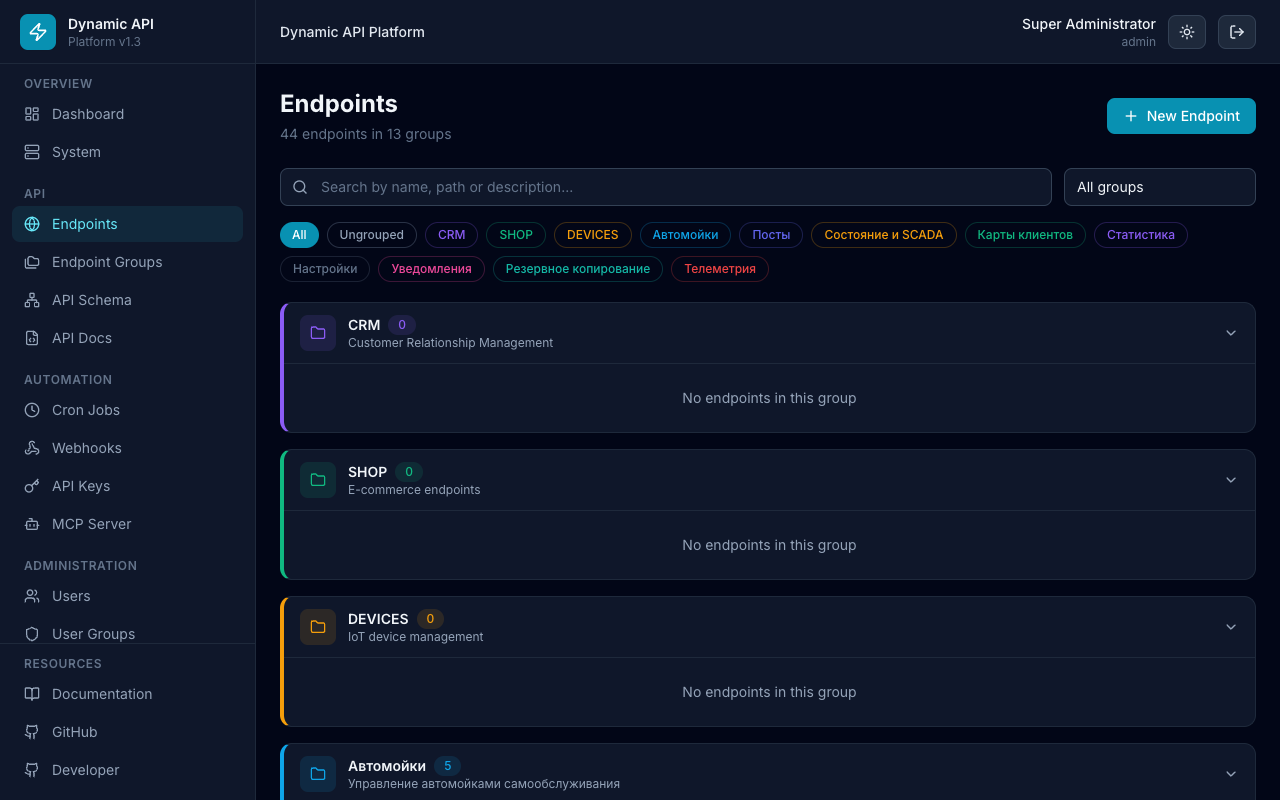
URL: /endpoints — grouped tables, search, filters
API Schema (ER diagram)
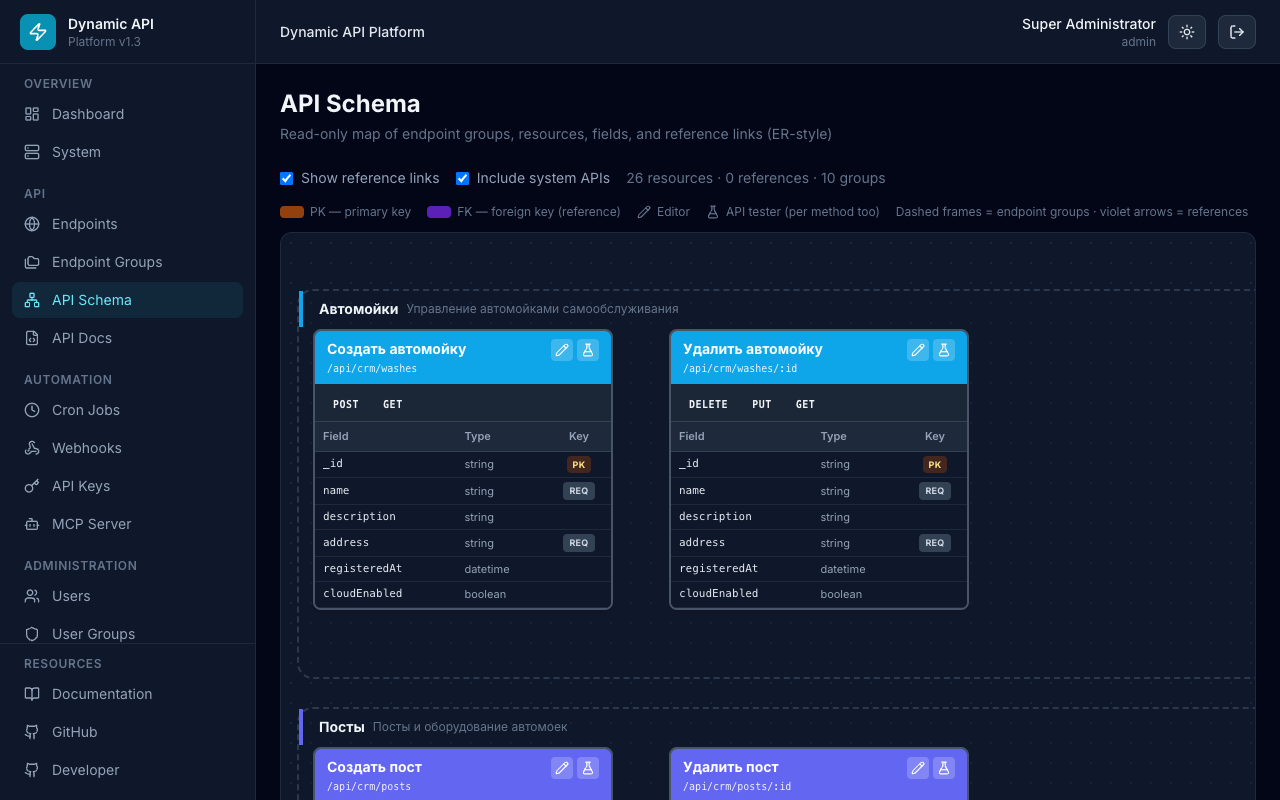
URL: /api-schema — read-only diagram of endpoints, groups, and FK arrows
API Docs (Swagger)
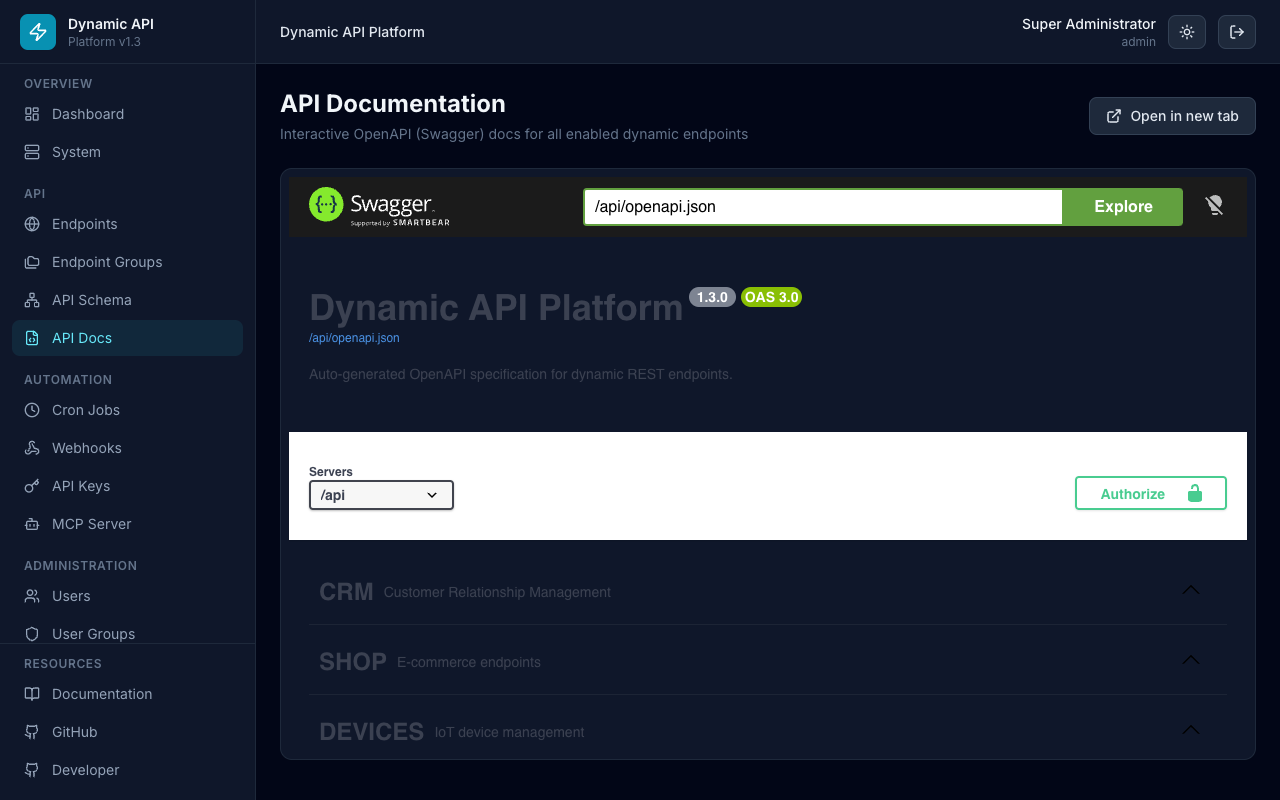
URL: /api-docs — embedded OpenAPI / Swagger UI
Endpoint Handler (JavaScript)
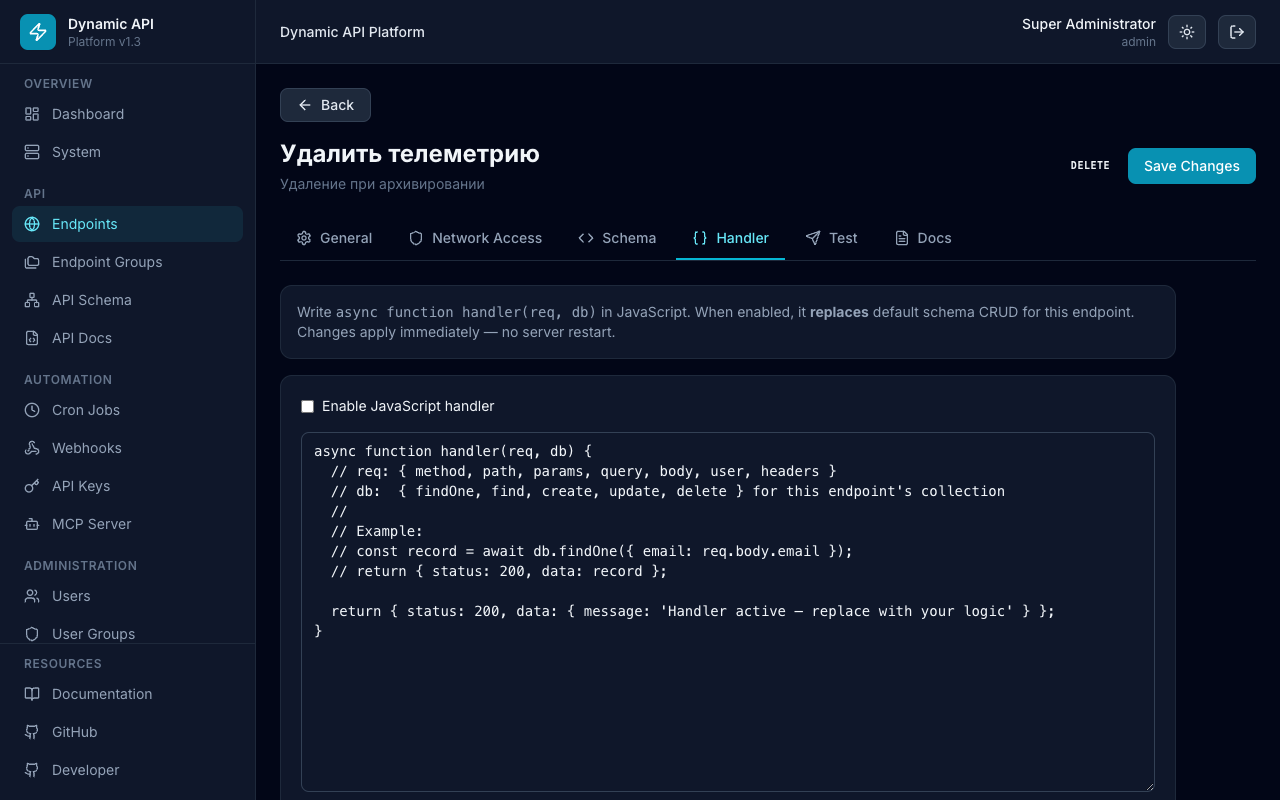
URL: /endpoints/:id → Handler tab — custom async function handler(req, db)
Cron Jobs
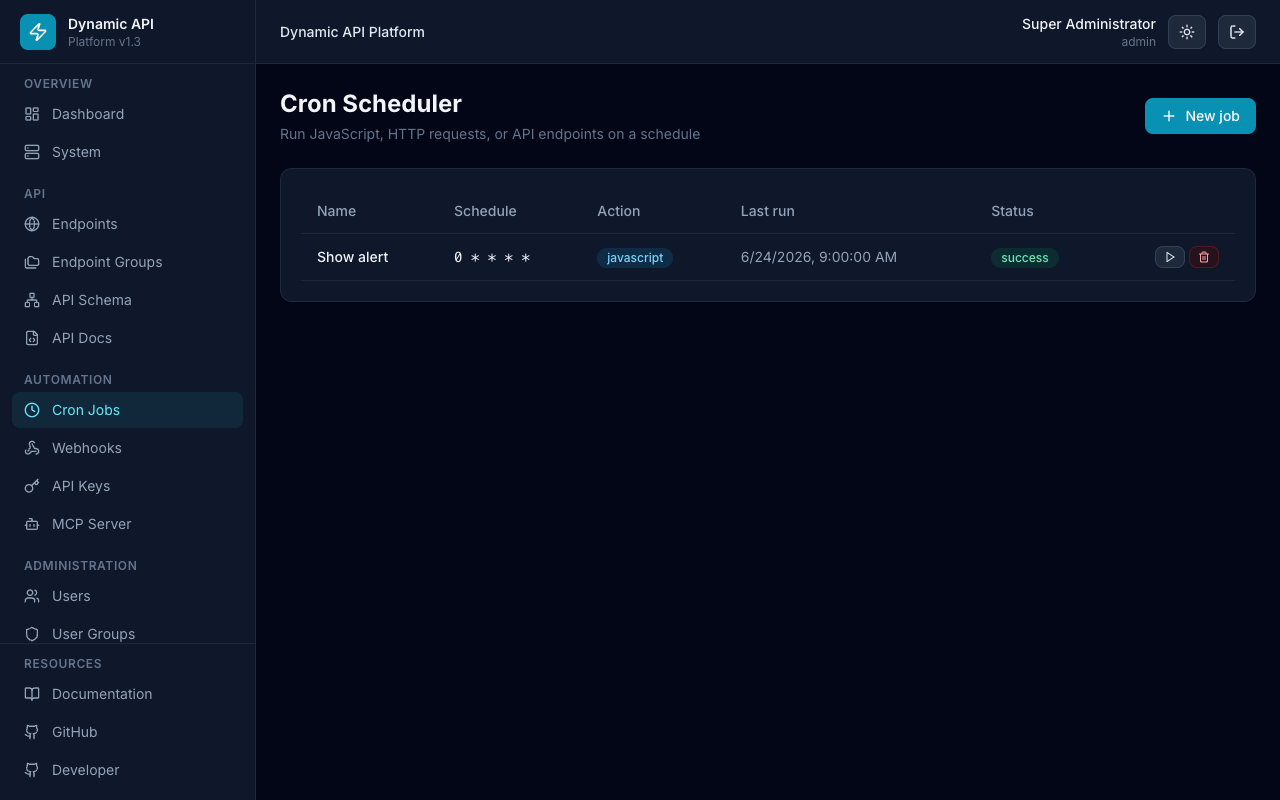
URL: /cron — scheduled JavaScript, HTTP, or endpoint actions
Webhooks
URL: /webhooks — outbound event subscriptions
API Keys
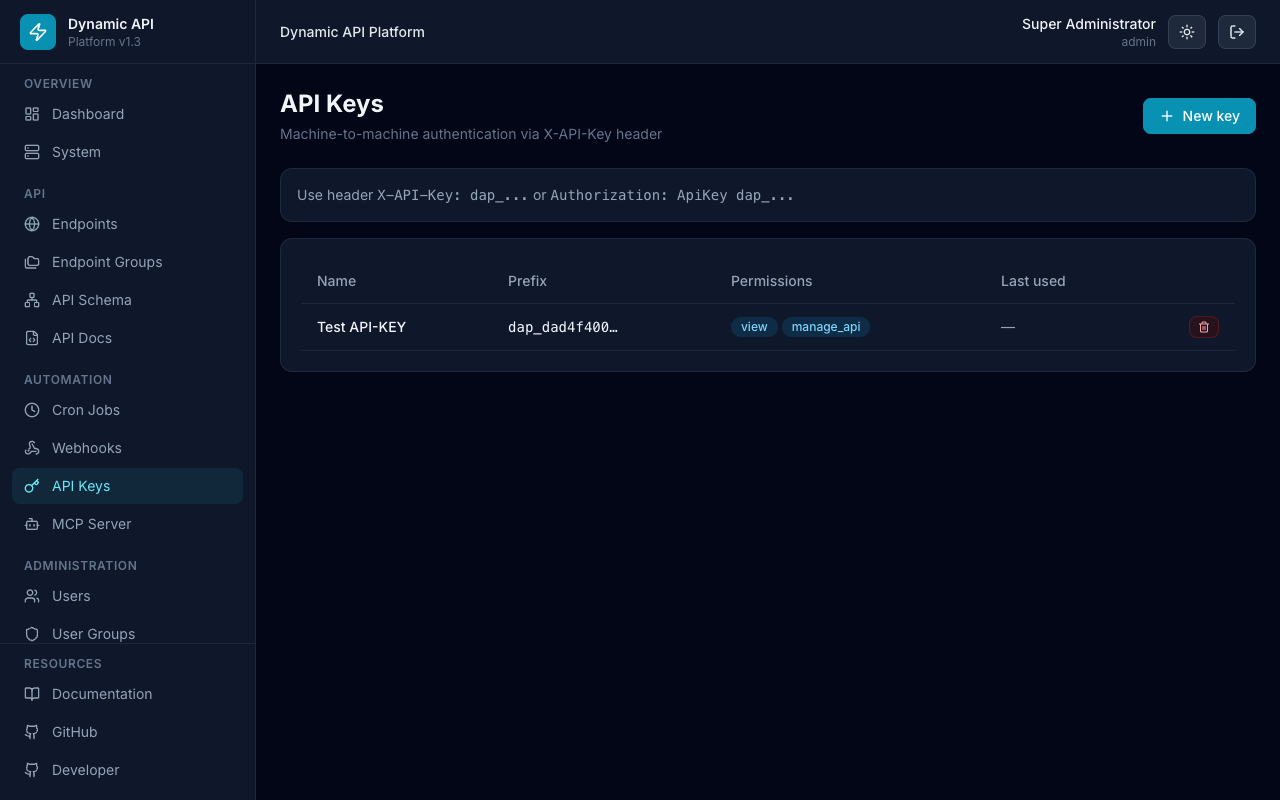
URL: /api-keys — machine-to-machine authentication
MCP Server
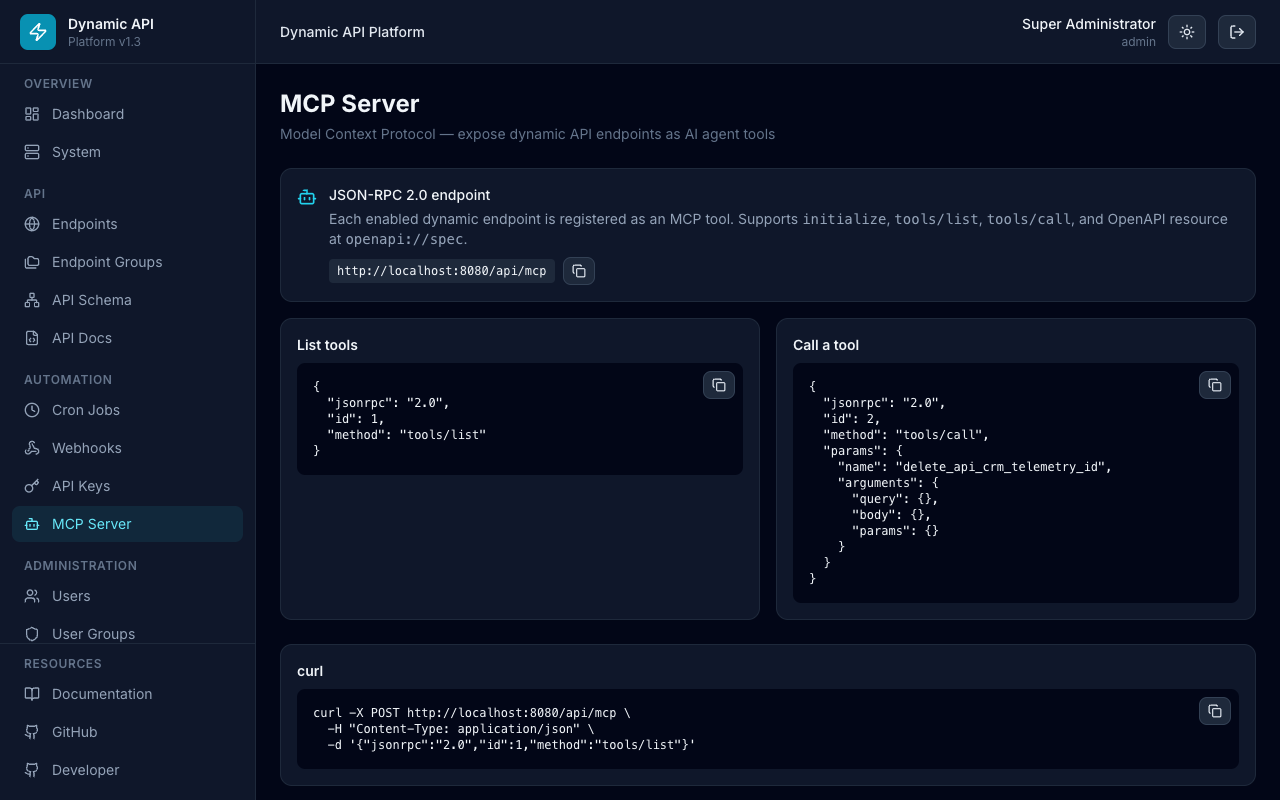
URL: /mcp — MCP tools list, authentication examples, JSON-RPC curl samples, access rules
Database Explorer
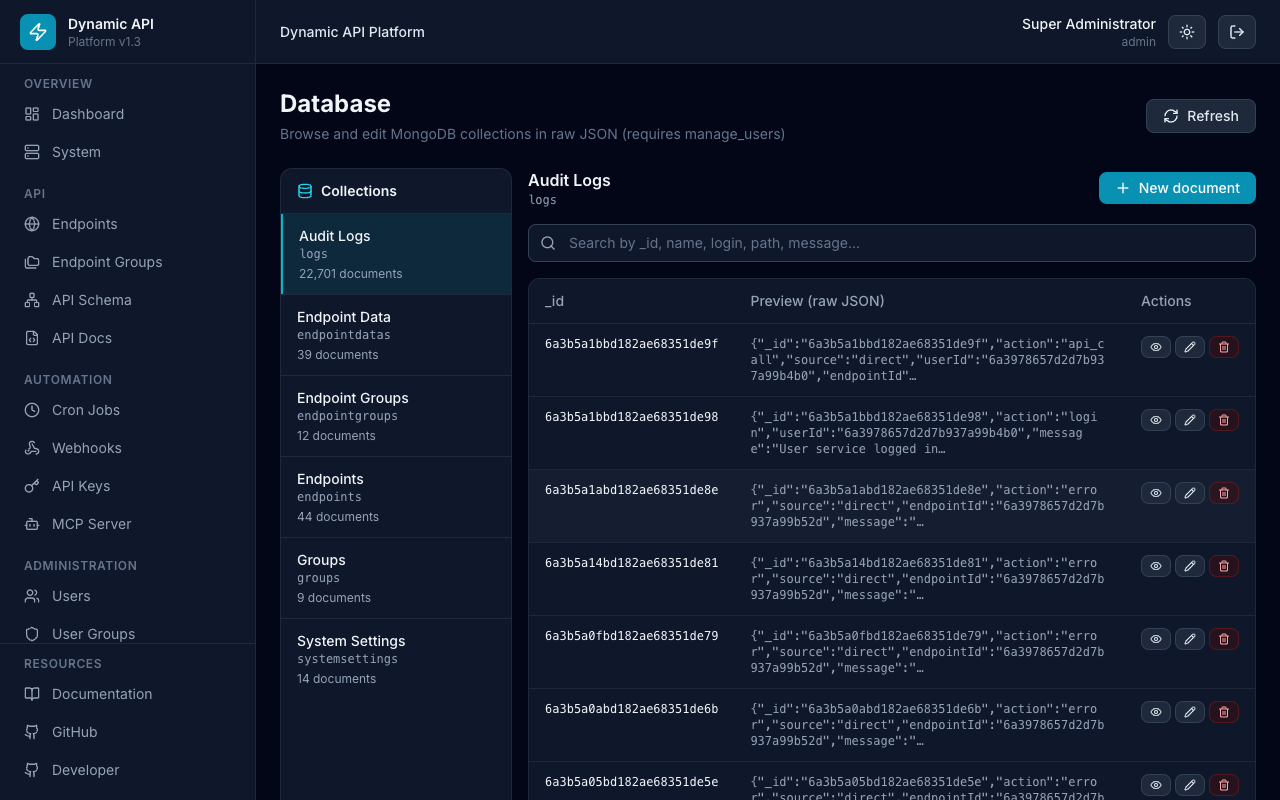
URL: /database — raw MongoDB JSON browser (requires manage_users)
Audit Logs
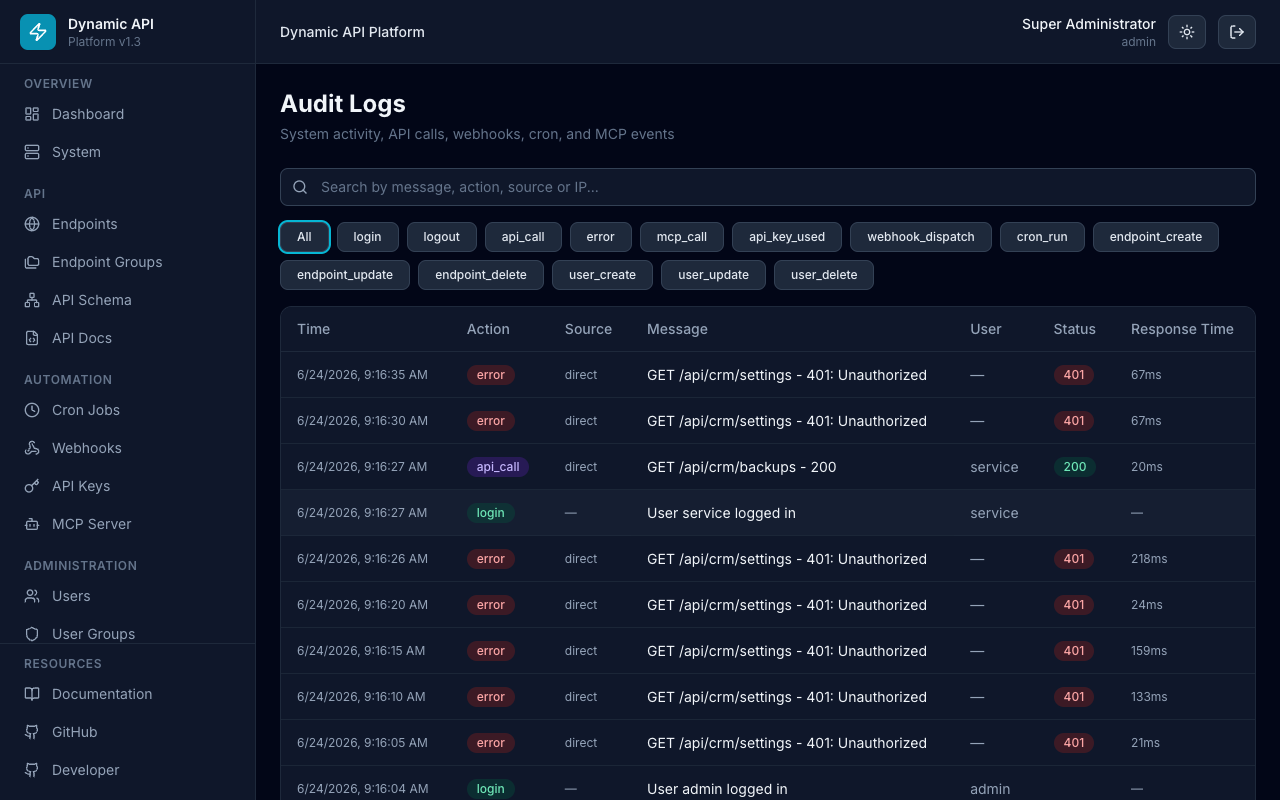
URL: /logs — request and admin action history with filters
Settings
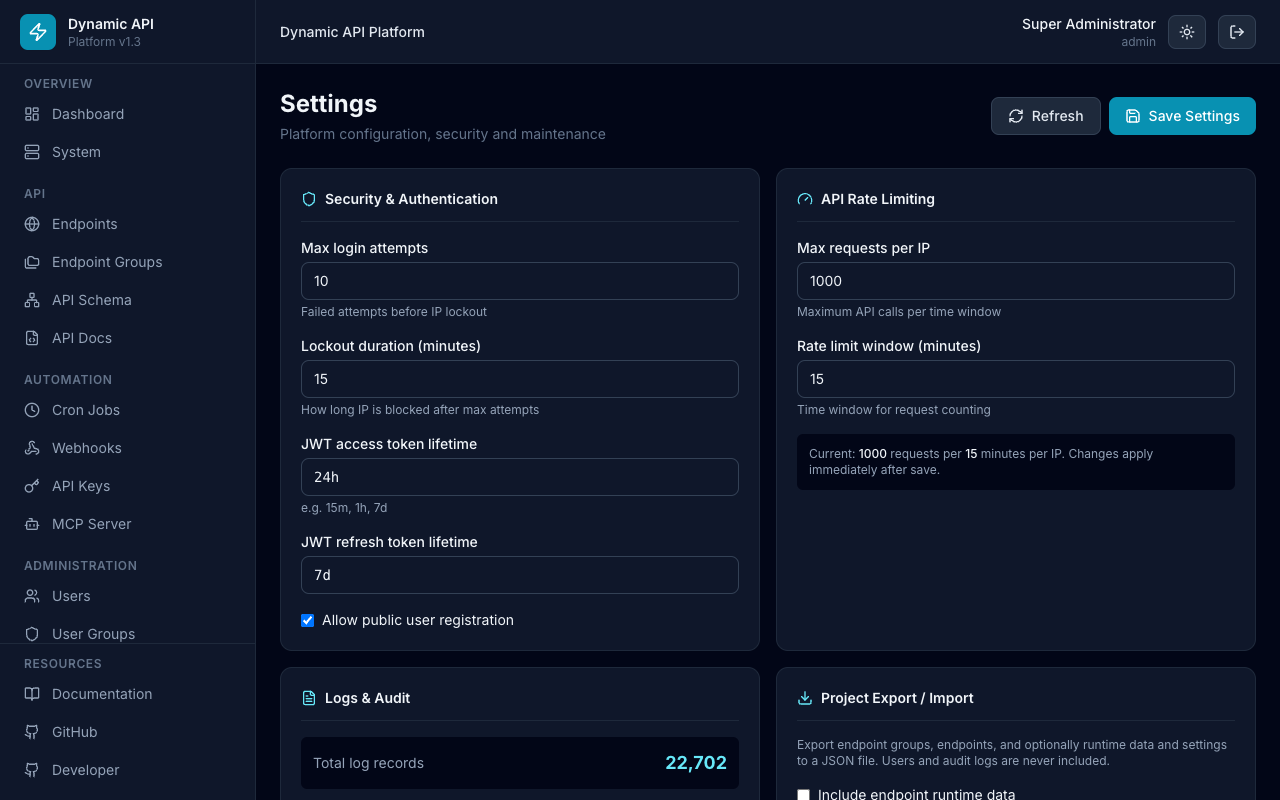
URL: /settings — auth, rate limits, logs, project export/import
System
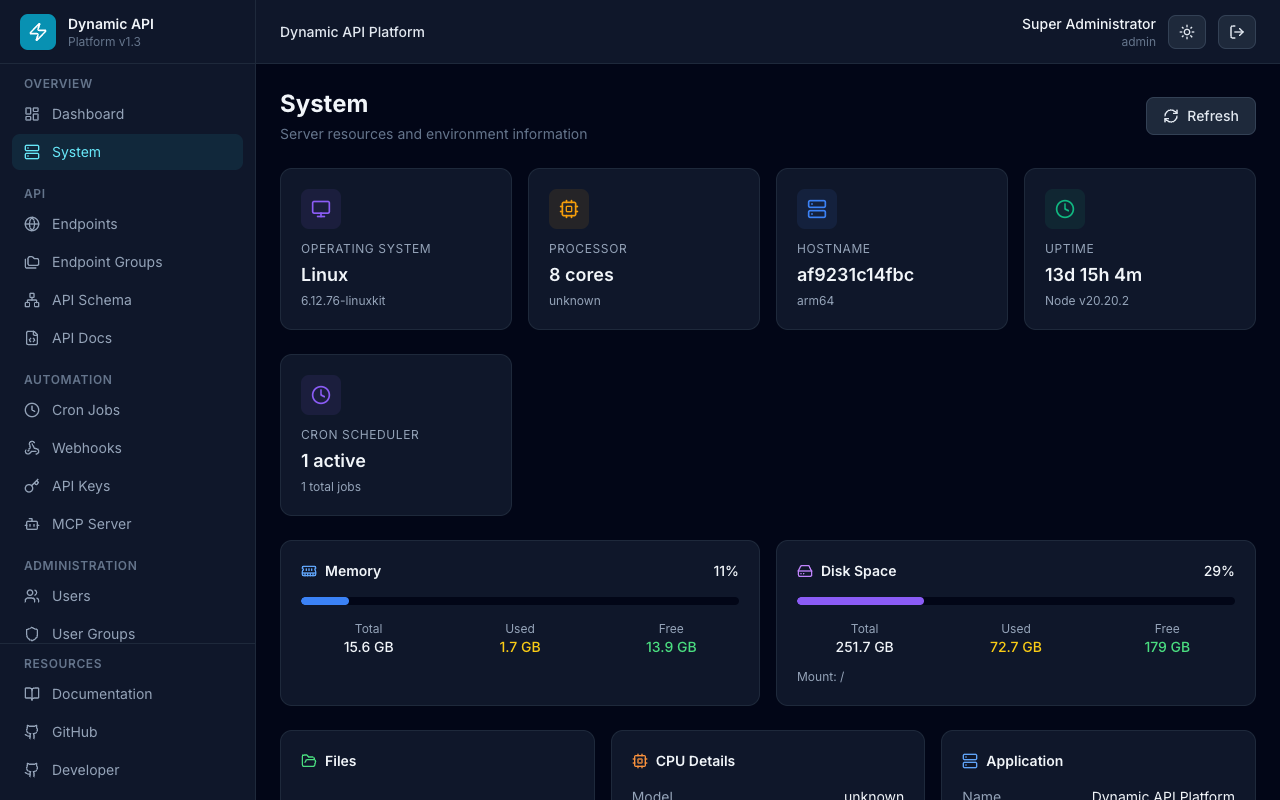
URL: /system — CPU, memory, disk, network, cron scheduler status
Regenerate screenshots
With the platform running locally:
node scripts/capture-screenshots.mjs http://localhost:8080